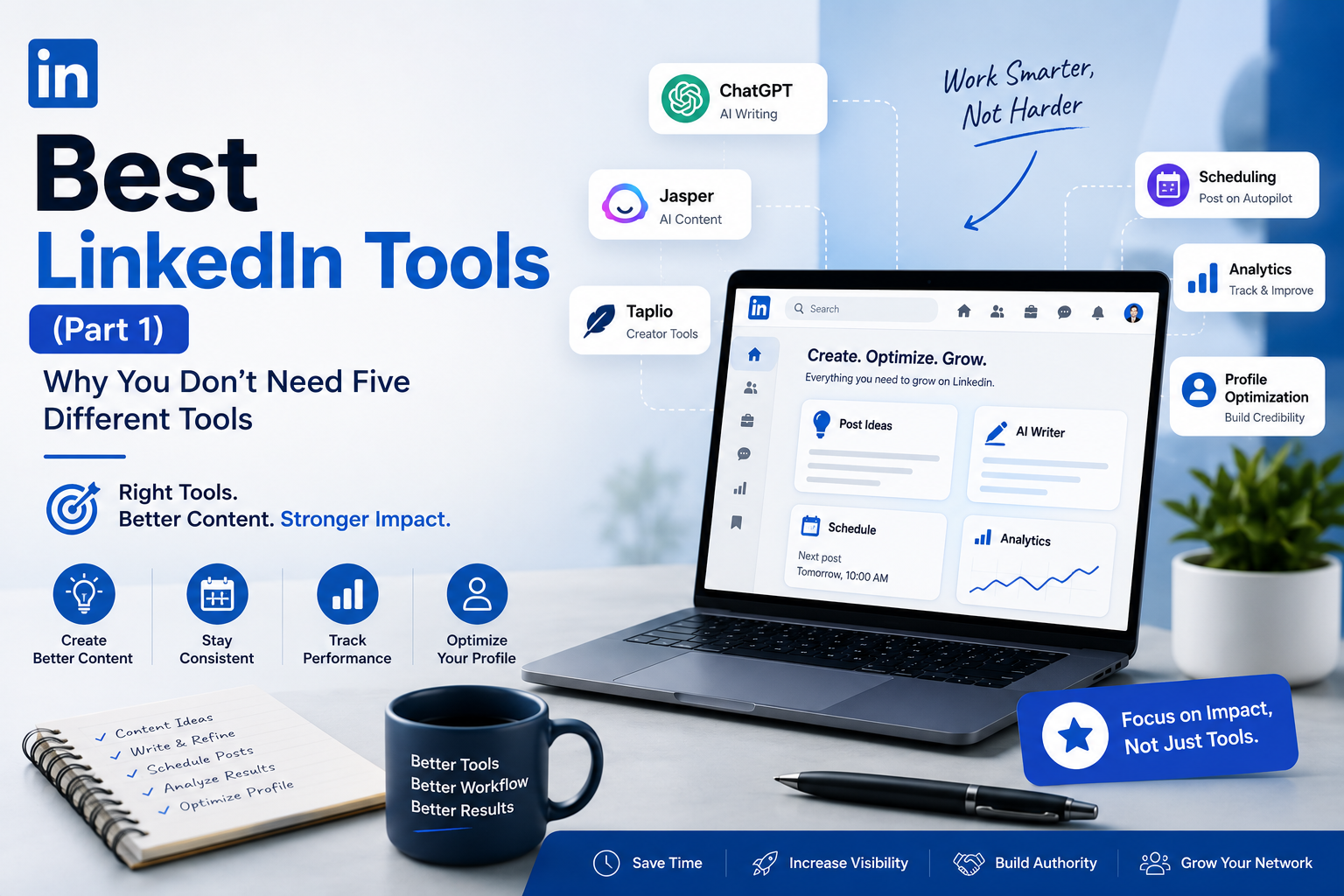
Best LinkedIn Tools (Part 1): Why You Don't Need Five Different Tools
Discover the best LinkedIn tools for content creation, AI writing, scheduling, and profile optimization. Learn how to choose the right tool for your workflow instead of juggling multiple platforms.
InstaInker Team
InstaInker
Most experts think that they aren't growing on LinkedIn because they lack the proper tool.
The real problem in most cases isn't the tool but rather the process.
A tool may assist you in organizing ideas, making the writing faster, scheduling posts, and analyzing the performance. A tool can never substitute your experience, expertise, and point of view.
That's why selecting LinkedIn tools shouldn't be based on having the longest list of features.
LinkedIn tools should be chosen based on addressing the bottlenecks.
For example, if you're a recruiter, you probably don't spend as much time creating images as communicating with people.
For an entrepreneur, sales calls, meetings with investors, recruiting new employees, and product development are far more important than spending 2 hours a week writing LinkedIn posts.
And if you're a consultant or a CA, your biggest challenge often isn't a lack of ideas; it's finding the time to consistently share what you already know.
That's where the right LinkedIn tools genuinely make a difference.
Before Looking at Tools, Identify the Problem You're Trying to Solve
This is the step most people skip.
They see someone recommend a tool on LinkedIn, sign up immediately, and only later realise they didn't actually need it.
Instead, ask yourself one simple question:
What's slowing me down?
For some professionals, it's writing.
For others, it's consistency.
Some struggle to make their profile look credible. Others post regularly but have no idea what's working and what's not.
Once you're clear on the problem, choosing a tool becomes much easier.
Broadly speaking, most LinkedIn tools fall into one of these categories:
- Content creation
- Profile optimization
- Scheduling
- Analytics
- Design
- Writing and formatting
Let's look at each of them.
1. Content Creation Tools
This category has grown the fastest over the last two years.
And it's easy to understand why.
Coming up with fresh content week after week is exhausting, especially if LinkedIn isn't your full-time job.
Some weeks you'll have plenty to say and other weeks you'll stare at a blank screen wondering whether you should post at all.
Content creation tools are designed to solve that problem.
Instead of replacing your thinking, they help organize it.
Some suggest ideas based on your industry and others help rewrite rough drafts or improve readability.
Popular options include:
- ChatGPT
- Claude
- Jasper
- Taplio
- Instainker
Each one has its strengths.
ChatGPT
ChatGPT is where many professionals start.
It's excellent for brainstorming, summarizing long documents, rewriting awkward paragraphs, or turning rough notes into something readable.
But here's something I've noticed.
When people copy the first response and publish it without editing, the posts almost always sound the same.
They're grammatically correct and structured well.
But they don't sound like the person who posted them.
A better approach is to treat ChatGPT like a junior writing assistant.
Give it your ideas and ask it to improve clarity, challenge your assumptions and then rewrite the final version in your own voice.
That extra five or ten minutes makes a huge difference.
Best for: Professionals who already have ideas but struggle to structure them.
Jasper AI
Jasper has traditionally been popular with marketing teams.
If you're producing content across blogs, emails, landing pages, and social media, it offers plenty of templates.
For LinkedIn alone, however, it can feel like more software than most professionals actually need.
Best for: Marketing teams and agencies.
Taplio
Taplio is made especially for creators on LinkedIn.
Apart from writing, it also has scheduling, inspiration, analytics, and management features.
What’s interesting about it is that many creators actually like it since it centralizes their entire publishing workflow.
The problem?
It may be too expensive if you publish once or twice a week.
Instainker
Unlike general AI writing tools, Instainker focuses entirely on LinkedIn.
Instead of helping with only one part of the process, it combines several LinkedIn-specific features into a single platform.
For example, users can:
- Generate content ideas
- Create LinkedIn posts
- Repurpose existing content into multiple formats
- Optimize their LinkedIn profile
- Schedule posts
- Receive profile scores and improvement suggestions
For professionals trying to build a consistent LinkedIn presence without switching between multiple platforms, that integrated approach can save a significant amount of time.
It's particularly useful if LinkedIn is your primary platform rather than one of many social networks.
Which Content Tool Should You Use Then?
There is no single right choice.
If your only requirement is to break through your writers' block, ChatGPT might do the trick.
If you create content on LinkedIn often, you should consider Taplio.
If your goal is to improve both your profile and your content while keeping everything inside one LinkedIn-focused platform, Instainker offers a broader workflow instead of solving just one problem.
The important thing isn't finding the "best" tool.
It's finding the one that matches the way you actually work.
Final Thoughts
There's no shortage of LinkedIn tools today. In fact, that's part of the problem. Every week, there's a new AI writer, scheduler, or productivity app claiming it'll transform your LinkedIn presence overnight.
In reality, no tool can replace your expertise or your perspective. The best software simply removes friction. It helps you spend less time wondering what to post and more time sharing what you already know.
If you're just getting started, don't overcomplicate things. Pick one tool that fits the way you work, stay consistent for a few months, and refine your process as you go. Consistency will always outperform constantly switching between platforms in search of the "perfect" solution.
Creating content consistently, however, is only one part of building a strong LinkedIn presence.
Once your posts start attracting profile visits, the next question becomes:
Does your profile actually convert those visitors into connections, clients, recruiters, or business opportunities?
That's exactly what we'll explore in the next guide, where we'll look at LinkedIn profile optimization, analytics, formatting, and the tools that help professionals turn visibility into credibility.
Related Articles
Start Creating Better LinkedIn Content
Use InstaInker to generate engaging posts tailored to your style.
Get Started Free