Best LinkedIn Tools (Part 2): Profile Optimization, Analytics & Design Tools
Discover the best LinkedIn tools for profile optimization, analytics, design, and formatting. Learn how to improve your LinkedIn profile, measure performance, and build a stronger professional brand.
InstaInker Team
InstaInker
Imagine someone reads your LinkedIn post, finds it genuinely useful and clicks on your profile.
In that moment, your content has done its job.
The next decision isn't about your latest post anymore; it's about you.
Does your headline clearly explain what you do?
Does your About section make someone want to connect?
Does your profile build enough trust for a recruiter, client or founder to take the next step?
That's why profile optimization deserves just as much attention as content creation.
Profile Optimization Tools
Most professionals don't realise how much their LinkedIn profile influences first impressions.
Think about your own behaviour for a second.
Someone sends you a connection request and before accepting it, you open their profile.
You glance at the profile photo, headline, About section, experience and maybe a few recent posts.
Within 20 or 30 seconds, you've already formed an opinion.
Recruiters, potential clients and hiring managers do exactly the same thing.
That's why spending hours creating content while ignoring your profile is a little like inviting people into an office that still has boxes lying around after moving in.
Content gets people to visit but your profile convinces them to stay.
One mistake I see quite often is professionals treating their LinkedIn profile like an online resume.
Technically, that's what LinkedIn started as.
Today, it's much more than that.
A strong profile should answer three questions almost immediately:
- What do you do?
- Who do you help?
- Why should someone trust you?
If someone has to scroll through five job roles to understand your expertise, the profile probably needs work.
Tools worth considering
LinkedIn itself offers Profile Strength indicators and profile suggestions, although they're fairly basic.
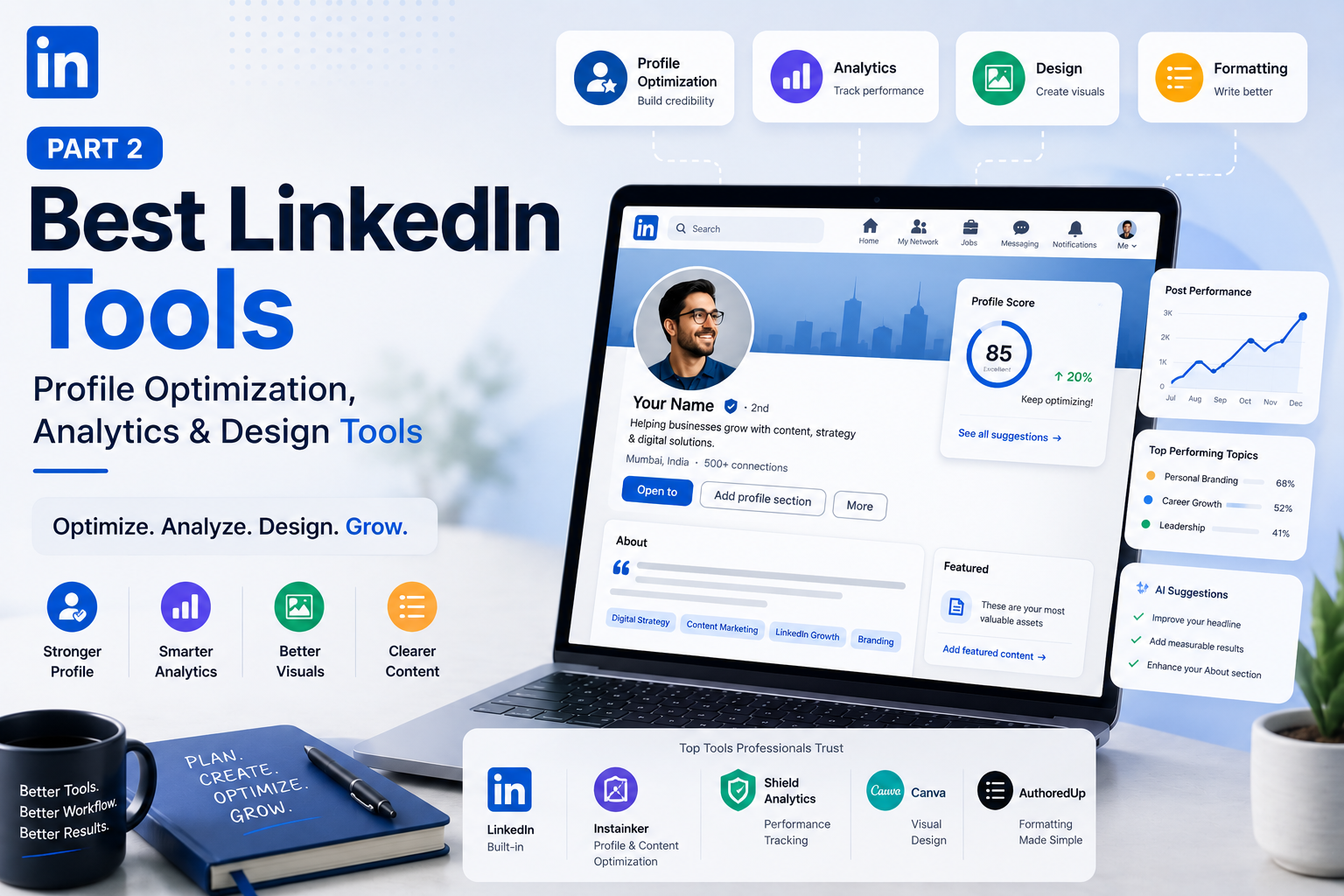
Platforms like Instainker go a step further by analysing your profile, assigning it a score, highlighting weak sections and suggesting practical improvements.
Instead of simply saying "Improve your About section," it points out what could actually be rewritten and why.
That kind of feedback is often more useful than guessing what recruiters might want to see.
1. Analytics Tools
Here's something I wish more professionals did.
Instead of asking, "How many likes did this post get?"
Ask, "Why did this post perform better than the others?"
That's where analytics become valuable.
Good analytics don't just show numbers.
They reveal patterns.
For example:
- Are educational posts performing better than personal stories?
- Does your audience engage more during weekdays?
- Which topics bring profile visits instead of just likes?
Without looking at data, it's easy to assume what your audience enjoys.
Sometimes the numbers tell a completely different story.
Shield Analytics has become a popular choice for professionals who want detailed LinkedIn performance reports.
Taplio also provides useful analytics alongside scheduling.
The key is not obsessing over every metric.
Look for trends rather than individual posts.
One post performing poorly doesn't mean your strategy isn't working.
2. Design Tools
Visual content has become much more common on LinkedIn over the last few years.
Carousels, infographics and simple graphics often make complex topics easier to understand.
The good news is that you don't need to be a designer.
Canva remains one of the easiest platforms for creating LinkedIn visuals.
Its templates save a lot of time, especially if you're publishing educational content.
Some professionals also prefer Figma for greater creative control, although the learning curve is steeper.
The important thing is remembering that visuals should support your message;not replace it.
A beautifully designed carousel with weak content rarely performs well.
A simple graphic with a useful insight often does.
3. Writing & Formatting Tools
Writing and formatting are often confused.
They're related, but they're not the same thing.
Writing is about the message and formatting is about how easy that message is to consume.
You could write an excellent LinkedIn post.
If it's presented as one giant block of text, many people will scroll past without reading it.
That's why formatting tools have become popular.
AuthoredUp is probably one of the best-known options because it lets creators preview exactly how their post will look before publishing.
Grammarly is useful for catching awkward phrasing or grammar mistakes.
Instainker also includes formatting suggestions while generating LinkedIn content, helping users create posts that feel easier to read instead of simply producing more text.
Do You Need Every Tool?
Definitely not.
In fact, buying too many tools usually creates another problem.
You spend more time learning software than actually posting.
A simple workflow is often enough.
For example:
- Brainstorm ideas
- Create content
- Schedule it
- Review performance once a month
That's it.
You don't need seven subscriptions to build a professional presence.
A Quick Comparison
You'll notice that most tools are designed to solve one specific problem. Canva helps with design. Shield is an analytics tool. AuthoredUp will make formatting better. LinkedIn built-in suggestions will be helpful for making changes to your profile. If you have to do different things within these three tools, then one platform that does it all (Instainker) will eliminate the need for multiple subscriptions. Your decision should depend on which aspect consumes more of your time and efforts on LinkedIn.
The Biggest Mistake Isn't Choosing the Wrong Tool
It's expecting the tool to do the work for you.
I've seen professionals subscribe to premium software on Monday and expect their LinkedIn presence to transform by Friday.
It doesn't work like that.
A scheduling platform won't create better ideas or analytics won't improve weak content.
Even the best AI writer can't replace experiences you've had during client meetings, business failures or career milestones.
Those stories belong to you and the software simply helps you communicate them more efficiently.
Frequently Asked Questions
Which LinkedIn tool is best for professionals?
That depends on what you're trying to solve.
If your biggest challenge is writing, an AI writing assistant may be enough.
If you're trying to build a long-term LinkedIn presence while managing a busy career, an integrated platform usually saves more time than combining several different tools.
Are paid LinkedIn tools worth it?
For someone who posts once every few months, probably not.
For consultants, founders, recruiters, CAs, coaches or business leaders who actively use LinkedIn for networking or lead generation, they often pay for themselves through the time they save.
Can LinkedIn tools guarantee more engagement?
No.
They improve your workflow and do not ensure success.
Good content requires you to come up with ideas.
What is the right strategy for a beginner?
Do not overthink it.
Choose one tool to write, if you need any to design, and stick to posting.
Final Thoughts
The best LinkedIn tool is not the one with the most features.
It is the one that becomes an integral part of your workflow without being noticed.
If it helps you publish more consistently, improve your profile, save time and spend less energy switching between different platforms, it's doing its job.
At the end of the day, people don't follow professionals because they use impressive software.
They follow them because they consistently share useful ideas, thoughtful perspectives and real experiences.
The right tools simply make that consistency a little easier to achieve.
Start Creating Better LinkedIn Content
Use InstaInker to generate engaging posts tailored to your style.
Get Started Free