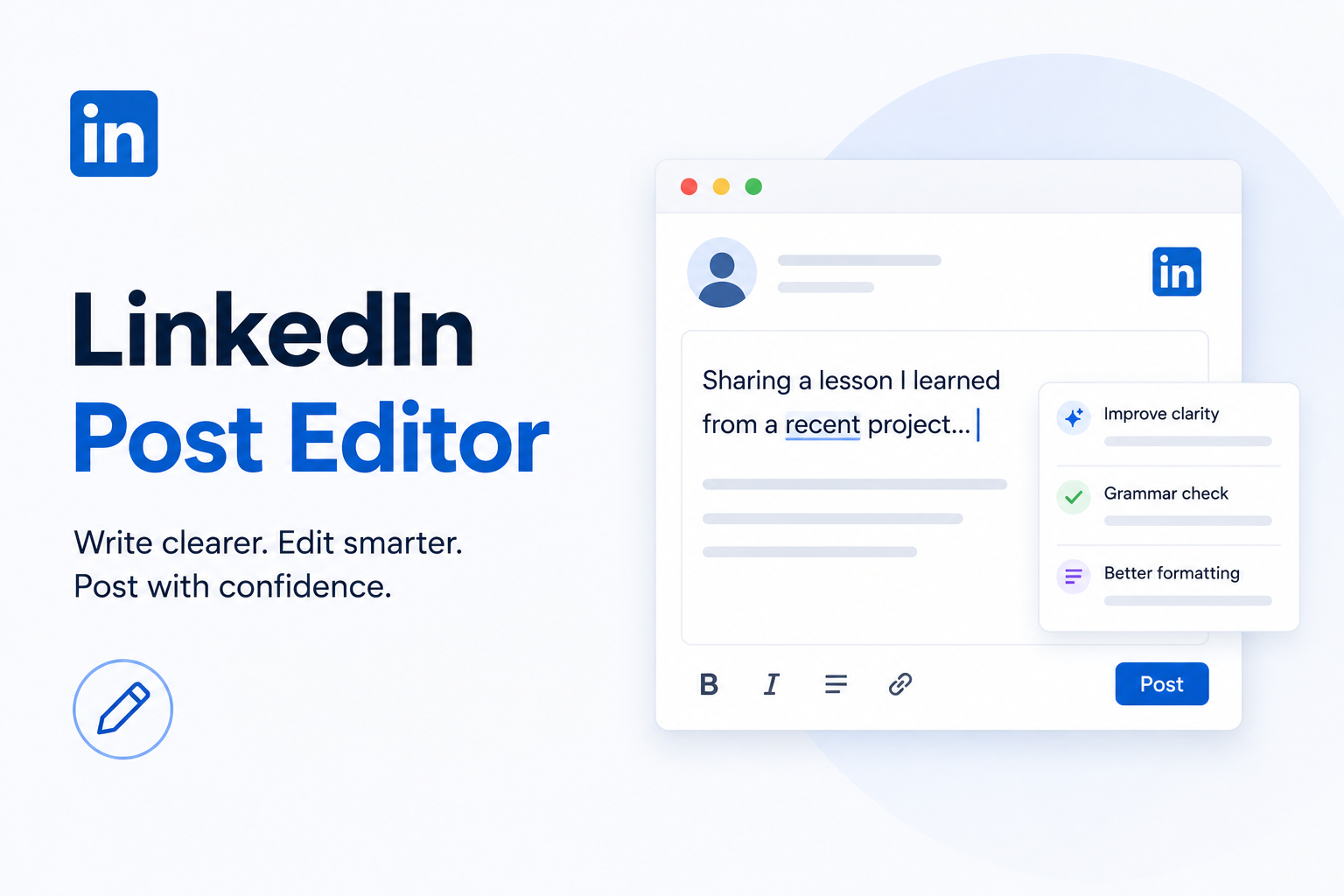
LinkedIn Post Editor: Why Writing Great LinkedIn Posts Is Harder Than It Looks
Writing a great LinkedIn post isn't just about having good ideas; it's about presenting them clearly. Learn how LinkedIn post editors improve readability, formatting, and consistency, compare the best editing tools, and discover practical tips for creating posts people actually want to read.
InstaInker Team
InstaInker
Most people don't struggle with ideas.
They struggle with turning those ideas into something worth posting.
You've probably experienced it yourself. You open LinkedIn with every intention of sharing a lesson from a recent project, a client conversation, or something you've learned at work. You type a few sentences, reread them, make a couple of edits, delete half the post, and eventually close the tab.
Not because you had nothing to say.
Because it didn't feel quite right.
That's one of the biggest reasons LinkedIn post editors have become popular. They don't create your expertise for you; they simply help you present it in a way that's easier to read and easier to publish.
If LinkedIn is an important part of your career, business, or personal brand, having a good editing process can make the difference between posting once every few months and showing up consistently.
What Does a LinkedIn Post Editor Actually Do?
When people hear the term LinkedIn post editor, they usually think of grammar correction.
Grammar is only one small part of it.
In addition to enhancing the readability of your post, a good editor can help you to find long paragraphs, point out poor sentence flow, improve formatting, point out repeated sentences, and even give suggestions for improving the introductory part of your post.
Let us compare two introductions.
Version A:
"Last week I attended a client meeting where we discussed several different marketing strategies and after reviewing the results we realised that content quality was having a much bigger impact than posting frequency."
Now compare it with this.
Version B
"Last week, a client asked us why their LinkedIn content wasn't working.
They thought the problem was consistency.
It wasn't.
The real issue was quality.
Changing what they posted made a much bigger difference than simply posting more often."
The message is almost identical.
The experience of reading it isn't.
That's what editing is really about.
Why More Professionals Are Using LinkedIn Post Editors
A few years ago, most people wrote LinkedIn posts directly inside LinkedIn.
Today, many professionals draft their content elsewhere first.
Why?
Because editing outside LinkedIn gives you time to think.
Founders, consultants, recruiters, marketers, and Chartered Accountants usually have something interesting to say, but it takes time to correct each sentence manually.
Rather than spending an hour on rewriting the same paragraph, one uses editors for improving the clarity, fixing awkward phrases, and structuring the posts.
Features Worth Looking For
Not all editors provide similar experience, so it is important to know what exactly matters.
First, a decent editor should allow improving readability through the identification of long paragraphs and making your content scannable. It is also important that the editor supports formatting since the users of LinkedIn rarely like to read big pieces of text.
Moreover, there are some tools which include the functionality of AI assistance. With its help, you may come up with an interesting introduction or a good rephrase or simplification. In this way, AI accelerates the writing process but not substitutes your experience.
Lastly, if you write often, you will appreciate the ability to schedule your posts. In this case, you do not need to prepare something new daily.
Which LinkedIn Post Editor Should You Choose?
The answer depends on how you work.
In case your main problem area is grammar, Grammarly is the simplest tool to use. This tool detects typos, helps improve the sentence structure and can be used on nearly any writing software you may have. However, one disadvantage of using Grammarly is the fact that it was not developed for LinkedIn.
If you're looking for ideas rather than grammar, ChatGPT is incredibly useful. It can help overcome writer's block, suggest hooks, or reorganise your thoughts. The catch is that the first draft often sounds generic unless you personalise it.
People who use LinkedIn often find it useful to test software such as AuthoredUp since it allows previewing how your content looks after posting it. This feature can be useful especially when the formatting is an integral part of your content.
One of the most popular solutions is Taplio that includes AI writing, scheduling, inspiration, and analysis. This tool is suitable for prolific LinkedIn authors, but the price might seem too high.
If you're looking for an end-to-end LinkedIn workflow, platforms like Instainker bring multiple tasks together in one place. Instead of switching between different tools for brainstorming, editing, formatting, profile optimisation, scheduling, and repurposing content, everything happens inside a single workspace. For professionals trying to build a consistent LinkedIn presence, reducing that back-and-forth can save a surprising amount of time.
Common Editing Mistakes
One mistake I see quite often is people editing for perfection instead of clarity.
They spend thirty minutes replacing words that most readers wouldn't even notice while ignoring whether the post is actually interesting.
Another common mistake is over-formatting.
Every sentence doesn't need to be on a separate line.
Not every word needs to be bold.
And every paragraph certainly doesn't need an emoji.
Formatting should support your message—not become the message itself.
Finally, don't let AI remove your personality. Readers connect with experiences, opinions, and stories far more than perfectly polished corporate language.
Do You Actually Need a LinkedIn Post Editor?
Not necessarily.
Some professionals write exceptional posts using nothing more than a blank Google Doc.
But if LinkedIn has become an important channel for networking, lead generation, hiring, or personal branding, a post editor can remove a lot of unnecessary friction.
The less time you spend fixing formatting and rewriting sentences, the more time you have to focus on sharing useful ideas.
That's ultimately what people follow you for.
Frequently Asked Questions
Does LinkedIn have a built-in post editor?
LinkedIn offers an editor of basic functionality which doesn't include such useful features as grammar advice, readability assessment, AI assistance in writing.
Can AI write LinkedIn posts?
It can, but only as a writing helper rather than a complete substitute. The most engaging posts are those based on your personal experience and viewpoint.
What's the best LinkedIn post editor?
The answer depends on what you need in a post editor. You can use Grammarly for improving your grammar, AuthoredUp for formatting, ChatGPT for getting some ideas, Taplio for supporting the needs of creators, or Instainker for a comprehensive LinkedIn-centered approach to posting.
Will editing increase engagement?
Editing won't help you become a viral writer, but the improved readability will at least allow your readers to complete their reading of your post.
Conclusion
Writing an engaging LinkedIn post does not necessarily mean writing in difficult language or adhering to any algorithm.
An editor for a LinkedIn post will not replace your knowledge, but rather aid you in expressing your knowledge effectively.
If you are a frequent contributor to LinkedIn, then having the right editing tool is essential for eliminating all those minor obstacles that prevent good ideas from being expressed.
Related Articles
Start Creating Better LinkedIn Content
Use InstaInker to generate engaging posts tailored to your style.
Get Started Free